![download.png]](https://support.yaktrak.com.au/hs-fs/hubfs/download.png?height=40&name=download.png)
Re-order my dashboard
- Log in to your YakTrak account.
- From the Main Menu, select the "Reports" section. This action will reveal two options: "Reports" and "Metrics."

- Once you click "Metrics", you will be greeted by a blank screen ready for report creation as shown below
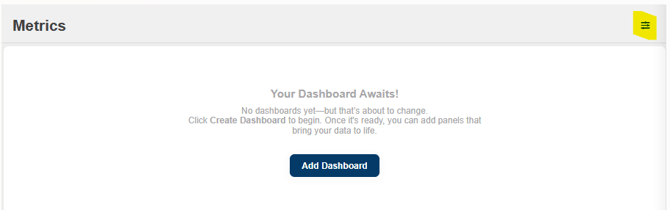
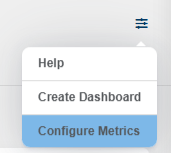
- Select the highlighted Menu option at the top right. This action will display a dropdown menu. From there, choose "Configure Metrics."
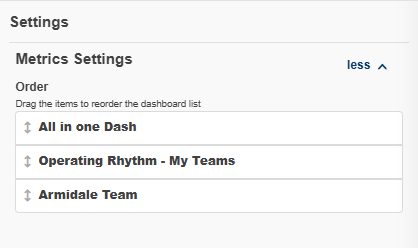
- This will open the "Metrics Settings" fly-out box on the right of screen. You can then click and drag the arrows next to each Dashboard title to reorder them according to your preferences.
- Click "Save" at the bottom of the screen to save changes.